 GetThatPin!
Chrome Extension
Download any Pinterest pin - image or video - in one click.
No ads. No account. No sketchy third-party site.
Works on Chrome, Edge, Brave, and Arc - any Chromium-based browser.
 GetThatPin!
Chrome Extension
No ads. No account. No sketchy third-party site.
Works on Chrome, Edge, Brave, and Arc - any Chromium-based browser.
Install GetThatPin!
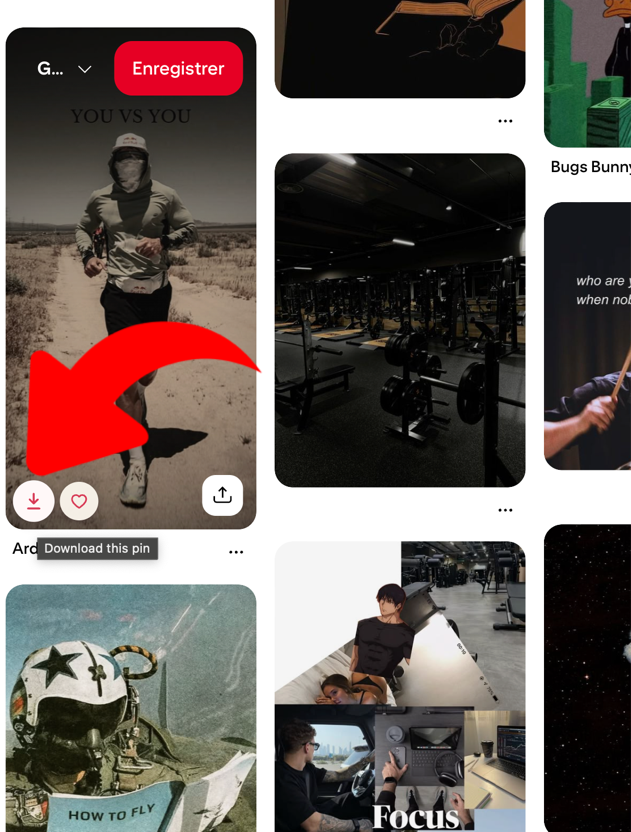
Hover a pin on Pinterest.
Click - it's in your downloads.
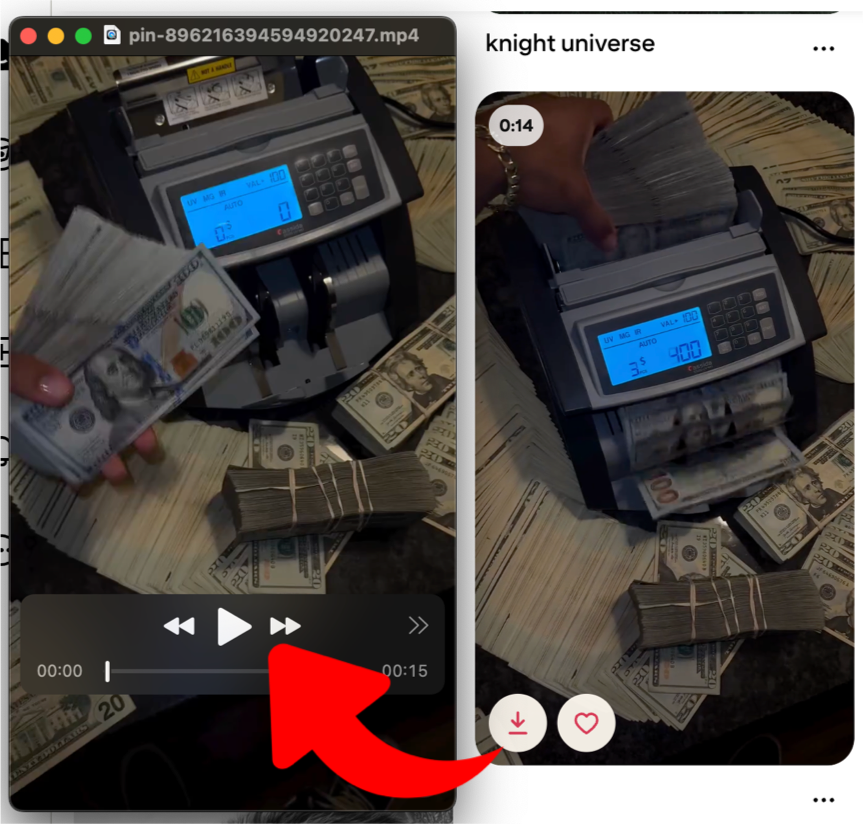
Included free
Video pins come down as real .mp4 files you can actually play - original quality, no watermark, no screen recording.
Two features for people who save pins by the dozen, not one at a time.
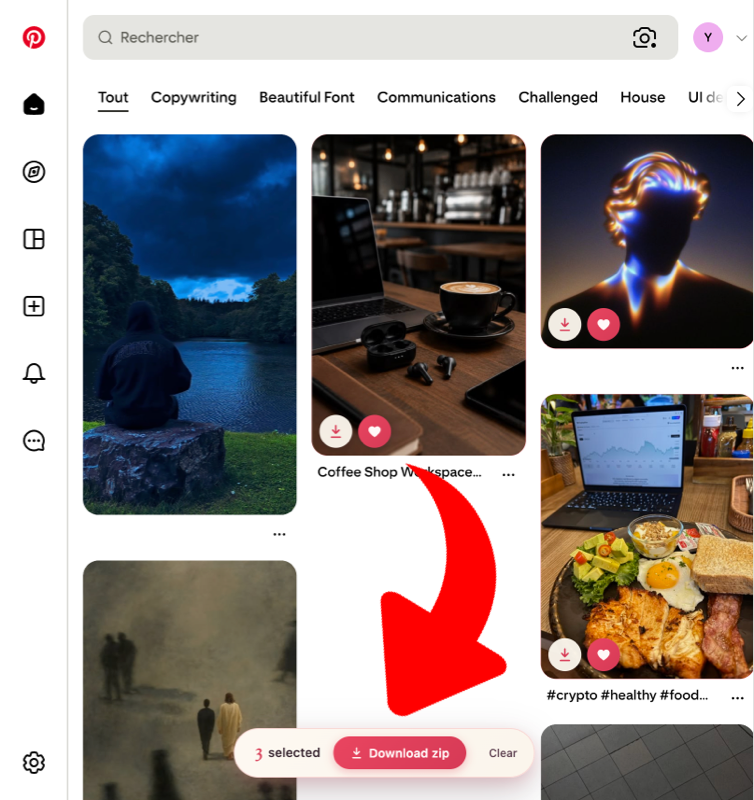
Pro
Tick as many pins as you like while you browse, then grab the lot as a single zip. No repeat clicking, no half-finished folders.
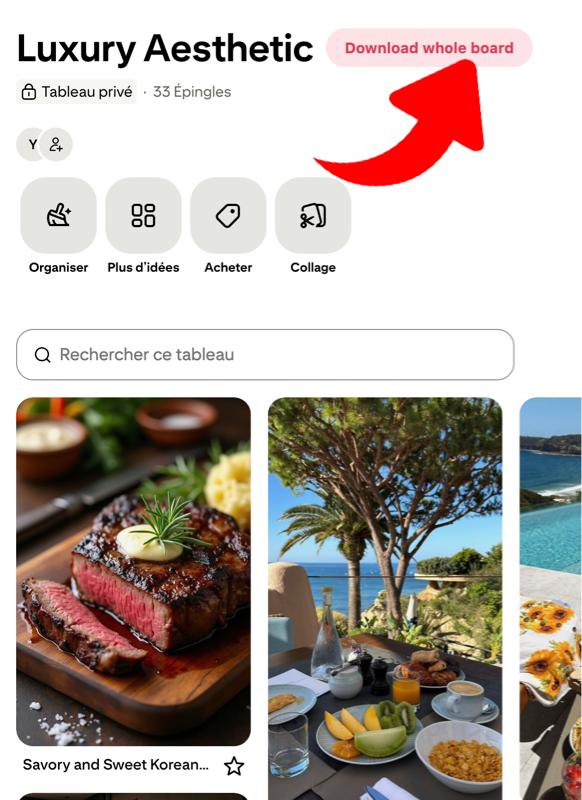
Pro
GetThatPin! scrolls the entire board for you, collects every pin, and hands you one zip at the end. Walk away while it works.
One free extension. One optional upgrade. No subscriptions, ever.
Free
€0
forever
Download any pin, image or video, one click.
No account, no card, no trial period.
Pro
€24
one-time · lifetime licence
Everything in Free, plus bulk downloads.
Requires the free extension - install it first if you haven't.
GetThatPin! collects no personal data and requires no account.